Fripuck devlog n°5: Lua is moon in portuguese
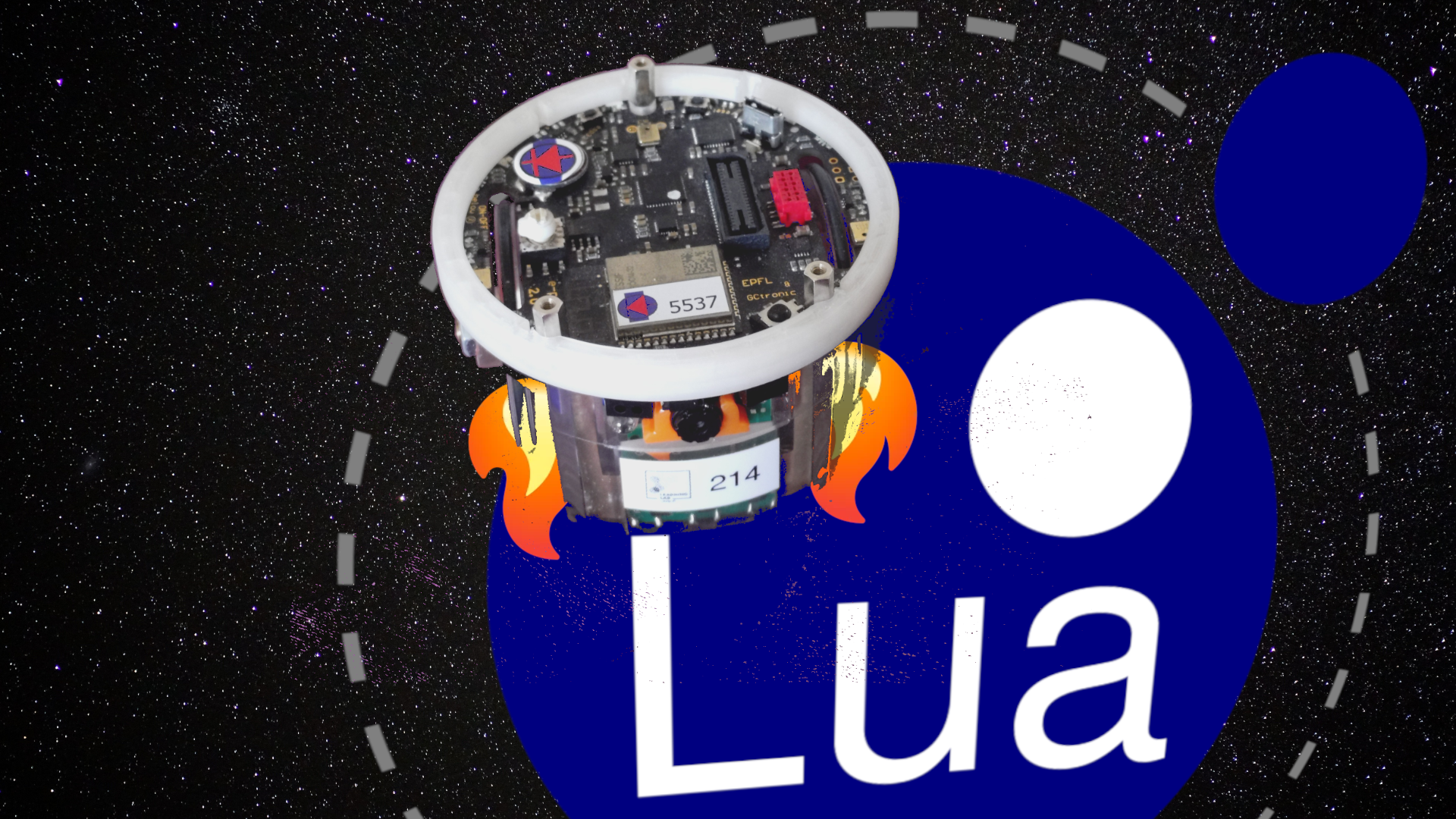
These last two weeks, I've been busy working on the radio module of the e-puck2, specifically embedding a Lua VM onto its ESP32 chip, which handles remote communication. This work is part of my Fripuck project, my bachelor thesis aimed at adapting the e-puck2 software to better suit the needs of the University of Fribourg.
In this post, I'll explain why I wanted to introduce a Lua VM into the project, present the API, and talk about the C implementation.
Why add a VM?
First, a quick reminder of who this software is for. At the University of Fribourg, the e-puck2 robot is used to introduce students to mobile robotics. Fripuck is the name I've given to the new software I'm writing for the platform.
These robots are currently controlled remotely over Wi-Fi via a Python API built by a previous student during their own thesis. While that was a huge step up from the raw C API used before, remote control still comes with inherent drawbacks, either due to API abstractions or issues fundamentally linked to wireless telemetry.
Adding an on-board Lua VM allows students to program the robot directly without needing a continuous network connection. This allows them to investigate network latency, resource constraints, and the classic problem of dividing work between on-device and off-device execution. Scripting behavior in Lua is also vastly simpler than setting up toolchains, compiling C, and flashing new firmware to the robot, a high hurdle for first-year students who might be completely new to programming.
It's worth noting that the Lua scripting engine isn't meant to replace the remote Python API entirely. Remote controlling remains the primary way to interact with the robot, especially since Lua on an embedded chip isn't practical or fast enough for heavy sensor data analysis. Instead, the VM acts as a complementary tool: ideal for low-latency tasks, reactive behavior, or simple on-device configuration.
Why Lua?
Choosing Lua over other scripting options was a deliberate choice on my part. It gets its fair share of criticism: array indices famously start at 1, it is far less ubiquitous than Python, and its single complex data structure, the table, takes some getting used to.
However, Lua has its advantages in embedded contexts: it is easy to integrate into C programs via its clean, well-documented C API, while remaining fast, flexible, and lightweight. Compared to other embeddable languages like MicroPython, Lua is generally less RAM-hungry and features a cleaner architecture for constrained hardware. I'll also admit to a personal fascination with the technology, and this project felt like the perfect sandbox to explore it thoroughly.
(If you are curious about Python support, GCtronic, the makers of the robot, maintain an official [MicroPython port](https://www.gctronic.com/doc/index.php?title=e-puck2PCsidedevelopment#Micropython) of the e-puck2 software)._
Architecture and API
The two Lua environments I am most familiar with are game engines (like PICO-8 or LÖVE) and Neovim. From them, I borrowed two common patterns: update loops and hooks.
Update Loops & Hooks
Update loops are standard in game engines and other frameworks. I chose to expose two: init() and update(), following PICO-8 terminology. Students write an init() function for startup tasks, followed by an update() loop that runs at roughly 20Hz (~50ms delta time).
Alongside the loop, students can register hooks, callback functions triggered immediately when an event occurs, such as a sensor read or an incoming command from a remote controller.
Here is what a complete user script looks like:
-- Declare local variables for fast lookup
local last_side = "center"
local side = "center"

function init()
    -- Register a hook to the ground sensors to track a black line
    robot.on("telemetry:ground", function(ground)
        -- Lua arrays start at 1!
        local difference = ground[1] - ground[3]

        if math.abs(difference) > 20 then
            if difference < 0 then side = "left"
            else side = "right" end
        else side = "center" end

        if side ~= last_side then
            print("Black line on the " .. side .. " side.")
        end

        last_side = side
    end)
end

local counter = 0
local total_dt = 0

-- Runs every 50ms; prints average delta time every 100 iterations
function update(dt)
    counter = counter + 1
    total_dt = total_dt + dt
    if counter > 100 then
        local average = total_dt / counter
        print("Over 100 iterations, the average dt is: " .. average .. "s.")
        counter = 0
        total_dt = 0
    end
end
This script does two things: it listens to the "telemetry:ground" hook to log which side of the robot detects a black line whenever new readings arrive, while the update() loop continuously averages execution timing over 100 cycles.
This structure provides the flexibility of simple update loops while allowing students to handle asynchronous data sources independently.
Handling Single-Threaded Execution
Lua is strictly single-threaded, meaning the main update loop and event hooks cannot run concurrently. To prevent race conditions, I implemented an execution queue. Incoming hooks are queued up and processed sequentially before calling the update function. This keeps event processing prioritized without colliding with the main loop.
C API Implementation
Before looking at the implementation details, here is a quick primer on how the Lua C API operates.
All interactions between the host C code and the Lua engine pass through a virtual stack. When a C function is called from Lua, we pop the input arguments off the stack, perform our logic, and push any return values back onto the stack. The same stack-based pattern applies to everything: defining tables, assigning metatables, or invoking Lua callbacks.
Exposing Userdata
Exposing C data types to Lua as userdata was new territory for me. The cleanest way to manage custom data types in Lua is through metatables.
Metatables attach custom behavior (using metamethods like __index for field lookups or __len for array length operators) to tables or userdata. Through metatables, C functions can define exactly how Lua reads or writes underlying C memory.
For example, the "telemetry:ground" hook exposes a 3-element array corresponding to the floor-facing infrared sensors. Here is how that lookup is handled in C:
// Static buffer storing current sensor telemetry
static uint16_t ground[3] = {0, 0, 0};

// The __index metamethod function
static int l_ground_index(lua_State* L) {
    if (lua_type(L, 2) == LUA_TNUMBER) {
        int i = lua_tointeger(L, 2);
        if (i < 1 || i > 3) return luaL_error(L, "Index %d out of range [1,3]", i);

        // Convert 1-based Lua index to 0-based C array index
        lua_pushinteger(L, ground[i - 1]);
        return 1; // Number of return values pushed to stack
    }

    ESP_LOGW(TAG, "Lua ground array called with unknown key.");
    return 0;
}

// Handler for the '#' length operator (always 3 for ground sensors)
static int l_ground_len(lua_State* L) {
    lua_pushinteger(L, 3);
    return 1;
}
Next, we map these C functions to a metatable structure:
static const luaL_Reg ground_mt[] = {
    {"__index", l_ground_index},
    {"__len", l_ground_len},
    {NULL, NULL},
};
To register this metatable in Lua, we create it in the registry, populate its methods, and assign it when creating the userdata:
// 1. Create a new metatable named "Ground" on top of the stack
luaL_newmetatable(L, "Ground");

// 2. Register functions into the metatable on top of the stack
luaL_register(L, NULL, ground_mt);

// 3. Pop the metatable off the stack now that it's registered
lua_pop(L, 1);
Then, when instantiated, we allocate our ground_t userdata inside Lua and attach the metatable:
typedef uint16_t ground_t[3];

// Create userdata memory inside Lua (pushes it to the top of stack)
ground_t* g = (ground_t*)lua_newuserdata(L, sizeof(ground_t));

// Retrieve the "Ground" metatable and push it to the top of stack
luaL_getmetatable(L, "Ground");

// Attach the metatable to our userdata (located at stack index -2) and pop the metatable
lua_setmetatable(L, -2);
Managing Callbacks
Allowing users to define hook callbacks in Lua requires three straightforward steps in C:
- Store a reference to the user's function in the Lua registry when registered.
- Push the function and its arguments onto the virtual stack when the event triggers.
- Execute the function using
lua_pcall()(it stands for protected function call, which manages errors).
Here is a simplified view of executing a callback:
if (lua_type(L, narg) == LUA_TFUNCTION) {
    // The callback function is the second argument (after hook identifier)
    lua_pushvalue(L, 2); // Push function onto stack
}

// Call the function on the stack with 1 argument and 0 return values
if (lua_pcall(L, 1, 0, 0) != LUA_OK) {
    ESP_LOGE(TAG, "Error running hook callback: %s", lua_tostring(L, -1));
    lua_pop(L, 1); // Remove error message from stack
}
In the real system, function references and event userdata are stored safely inside the Lua registry for persistent, repeated invocation.
Improvements and Future Work
My Lua VM implementation is progressing well, but a few key tasks remain:
- Mutation vs. Allocation: Currently, data passed through hooks reuses the same memory reference across calls to minimize heap allocations on the ESP32. However, this means users cannot easily save historical readings without copying them, which might prove confusing.
- Direct Property Access: I want to support direct variable queries (like
robot.ground[1]) within the main update loop without requiring dedicated hooks. - Connecting Actuators: The e-puck2 hardware relies on two chips: the ESP32 (handling radio and running our Lua scripts) and an STM32 main controller (managing motors, low-level sensors, and passing telemetry to the ESP32). The final missing piece is wiring Lua commands back across the internal bus to control the physical actuators on the STM32, which will be my main focus for the rest of August.