Fripuck devlog n°6: The Final Link
from Léonard Urban
It's been a while !
These last weeks, I've been making the last significant architectural changes to the Fripuck2 firmware. Let me walk through what has been done !
Remote → STM
A quick reminder
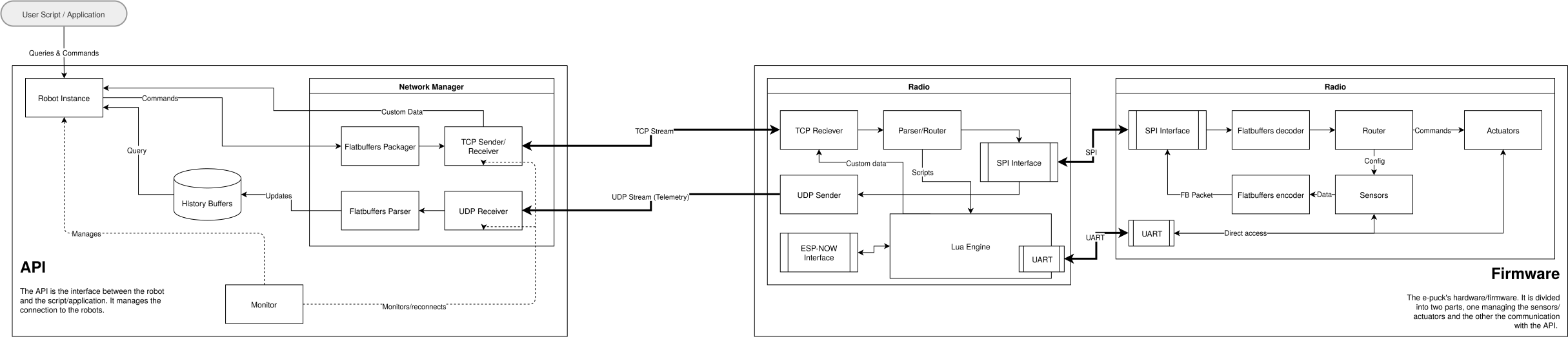
Until now, I focused my work on moving data from the robot to the remotely connected computer. As a reminder, here is how that path works:
- Sensor data is collected on the STM chip of the robot, which I call the 'controller'.
- It gets serialized into a Flatbuffer and sent over an SPI connection to the ESP chip (the 'radio' chip).
- The radio chip connects to a remote client over wifi and sends the data over a continuous UDP stream.
On top of that, the radio chip is also responsible for taking incoming data from the SPI connection and feeding it to the Lua VM running on the ESP. As of the last devlog, this hasn't changed much and is still working fine.
The reverse path
What I worked on is the opposite direction: from the remote client to the controller chip.
The remote client serializes its commands (if it has multiple ones to send) into a Flatbuffer and sends it to the radio chip. This time, I use a persistent (keepalive) TCP connection. This is important: if a sensor read is lost during transmission, it doesn't really matter, but instructions shouldn't be lost. TCP ensures packets arrive and get resent if they are lost.
Once the Flatbuffer arrives on the ESP, it is parsed, maybe passed to the Lua VM for a custom event, and transformed into another representation before being sent to the controller chip.
COBS + UART instead of Flatbuffers + SPI
While I used Flatbuffers + SPI to send sensor data to the radio chip, I chose COBS + UART to send commands to the controller chip. The reason is the significant difference in data volume between the two directions. Command packets are sent (1) less often and (2) are much smaller. Because of this, serializing a new Flatbuffer would have been wasteful, and fighting with the complicated SPI slave connection was too much of a hassle at the time.
COBS, on the other hand, is a much simpler byte-stuffing algorithm used to frame serial data. All it does is ensure that a certain value (typically 0) marks the end of a packet and the beginning of a new one. This is necessary when multiple command packets are sent back-to-back, because we need to be able to tell them apart. The rest of the protocol is rather simple: an opcode, followed by a fixed struct and a CRC.
Why not forward the remote's Flatbuffer directly ?
You might wonder why I don't simply relay the Flatbuffer the remote client sent. There are a few reasons:
- It contains data the controller doesn't need. Some commands activate actuators connected to the radio chip, and others are strictly meant to interact with the on-board Lua VM. Those never need to reach the controller chip.
- The Lua VM can send instructions too. In that case I would have to serialize a new Flatbuffer anyway, which is more demanding than COBS, since COBS doesn't need to build an object at all.
- The Lua VM can intercept the remote's commands. When it does, the original packet can't be relayed as is. It would have to be deserialized and re-serialized to keep only the commands the Lua VM didn't catch, which is very inefficient.
The only real disadvantage is that, unlike Flatbuffers, COBS packets can't be read without a bit of decoding computation. But since commands are infrequent, the overhead is negligible.
Robot movement
The first thing I tried to get working after the Remote → Radio → Controller connection was set up is the robot's movement.
Before, I had already written a simple set_speed() function for testing, but I wanted more advanced kinematic controls: acceleration, deceleration, moving specific distances, drawing arcs, etc.
Going metric
The first step was finally converting the stepper motor step count to metric units. This is rather simple to calculate. The robot is two-wheeled and has a wheel radius (r) of 20.5 mm. The stepper motors take 1000 steps[^turn-step] for a full wheel revolution, and one revolution moves the robot forward by one wheel circumference. We can therefore calculate the distance per step:
$$\text{meters per step} = \frac{2 \pi r}{1000} \approx 0.129 \text{ mm}$$
[^turn-step]: The GCtronic Wiki states that the motor takes 20 steps for a revolution, with a 50:1 gear ratio, which means the wheel takes 1000 steps for a full revolution.
The distance between the two wheels, $d$ = 53 mm, doesn't matter here. It only comes into play when the robot turns, as we will see below.
The control loop
Now that I had metric units, the only thing left to do was to precisely calculate, at any given moment $t$, at what frequency the stepper motors should turn, and in which direction. A task runs this calculation every 20 ms (50 Hz). The basic chain of operations is:
- Check the current velocity.
- Decide whether the robot should accelerate or decelerate, and calculate the new target velocity. To know when to start braking, I compare the distance remaining with the stopping distance $\frac{v^2}{2a}$.
- Calculate the exact speed of both wheels from the target velocity and the radius of the arc the robot should drive.
- Adjust the stepper motor timers.
In C, the operations roughly look like this:
#define DT 0.02f  // control loop period (s)

// Called every 20 ms
void control_step(void) {
    // Update the velocity
    float remaining = target_distance - distance_traveled();
    float stop_distance = (v * v) / (2.0f * decel);

    if (remaining <= stop_distance)
        v = fmaxf(v - decel * DT, 0.0f);  // brake
    else if (v < target_speed)
        v = fminf(v + accel * DT, target_speed);  // speed up
    else if (v > target_speed)
        v = fmaxf(v - decel * DT, target_speed);  // slow down

    // Convert to one speed per wheel
    float v_left, v_right;
    calculate_wheel_speeds(v, radius, &v_left, &v_right);

    // Convert m/s to steps/s and update the timers
    set_motor_speed(MOTOR_LEFT,  mps_to_steps(v_left));
    set_motor_speed(MOTOR_RIGHT, mps_to_steps(v_right));
}
The real version is a small state machine (idle, accelerating, coasting, cruising, decelerating), and it also reads new trajectories from a queue to handle sequential movements. But the idea is the same.
From one velocity to two wheels
Step 3 is where the wheel distance $d$ comes in.
The radius parameter describes the arc the robot should follow, and it has four cases:
INFINITY: the robot drives straight.0.0: the robot spins in place to the left.-0.0: the robot spins in place to the right (signed zeros are useful here).- Anything else: the robot draws an arc, positive for left and negative for right.
For an arc, the wheel on the inside of the curve has to go slower than the one on the outside:
$$v{left} = v \left(1 – \frac{d}{2R}\right) \qquad v{right} = v \left(1 + \frac{d}{2R}\right)$$
void calculate_wheel_speeds(float v, float radius, float* v_left, float* v_right) {
    if (isinf(radius)) {  // straight
        *v_left  = v;
        *v_right = v;
    } else if (radius == 0.0f) {  // spin in place
        float dir = signbit(radius) ? -1.0f : 1.0f;  // -0.0 = right, 0.0 = left
        *v_left  = -dir * v;
        *v_right =  dir * v;
    } else {  // arc
        float k = WHEEL_DISTANCE_M / (2.0f * radius);
        *v_left  = v * (1.0f - k);
        *v_right = v * (1.0f + k);
    }
}
Connecting everything together
Now that the robot is moving, I could set up my first complete robot control command. This involved creating Lua and Python APIs to control the motors, and building the instruction packets that carry those commands to the robot.
Both APIs expose the same functions:
drive(speed): the simplest one. Moves straight, forever, at the given speed.move(distance, speed): moves straight for a given distance.arc(distance, radius, speed): drives along an arc of the given radius for a given distance.turn(radians, speed): turns in place by a given angle.set_wheels(left, right): sets the velocity of each wheel directly, for students who need that level of control.
Technically, all of these (apart from set_wheels) are the exact same command.
They are shorthands with different mandatory arguments, to make them easier to use.
On top of those, they all accept the same optional arguments: accel and decel for the acceleration and deceleration, radius for drawing arcs, and two flags.
The first one, synchronous, makes a movement wait for the previous one to finish before it starts.
Without it, a new movement simply replaces the current one.
The second one, notify, is meant to tell you when the movement is done (it isn't wired up yet).
Python API
Let's start with the Python API, since it involves the extra step of packaging instructions into a Flatbuffer before sending them over TCP to the radio chip.
All the movement functions simply call _send_trajectory with different default arguments, which then calls _queue_or_send.
That last function is what makes batching possible:
def _queue_or_send(self, intent):
    if self._command_queue is not None:
        self._command_queue.append(intent)  # we are inside a batch, wait
    else:
        self._build_and_send([intent])  # otherwise, send right away
Instead of serializing and sending every function call individually, I added a batch function that groups multiple commands into a single Flatbuffer:
@contextmanager
def batch(self):
    """Group multiple commands into a single network packet."""
    self._command_queue = []           # start queuing instead of sending
    try:
        yield                          # run the code inside the `with` block
    finally:
        commands = self._command_queue
        self._command_queue = None     # back to sending immediately
        if commands:
            self._build_and_send(commands)
This means that when calling
with robot.batch():
    robot.move(distance=1.0, speed=0.5, synchronous=True)
    robot.turn(radians=math.pi, speed=0.5, synchronous=True)
the API groups both calls and sends them to the robot in a single packet.
The synchronous flags make the robot finish the move before it starts turning.
For now, batch() only groups the commands, it doesn't set that flag for you[^note-sequence].
[^note-sequence]: Making batch() set synchronous automatically is not implemented yet. Synchronous operations need to work across multiple kinds of actuators and sensors, not just movement as it currently stands.
Beyond this, it is all pretty standard Flatbuffer code, up until the reception of the packet on the radio chip, where it is decomposed into a static struct and sent to the controller. See the section about the information exchange with the controller to see how it works.
Lua API
On the Lua side, we don't have the convenience of named parameters, so the optional parameters go in a table. Essentially, this looks like:
robot.drive(0.5, {distance=1.0, accel=0.1})
This makes it fairly easy to implement all the other functions, since they all share the same optional arguments.
Each function only passes the options it accepts to the parser (the others are NULL).
The only exception is arc, where speed is a required entry of the options table.
Here is the drive implementation in C, to show how the options are parsed:
static void parse_options(lua_State* L, int idx, float* dist, float* speed, float* rad,
float* acc, float* dec, bool* sync, bool* notify) {
if (lua_istable(L, idx)) {
if (dist != NULL) {
lua_getfield(L, idx, "distance");
if (!lua_isnil(L, -1)) *dist = luaL_checknumber(L, -1);
lua_pop(L, 1);
}
if (acc != NULL) {
lua_getfield(L, idx, "accel");
if (!lua_isnil(L, -1)) *acc = luaL_checknumber(L, -1);
lua_pop(L, 1);
}
// and so on...
}
}
static int l_drive(lua_State* L) {
float speed = luaL_checknumber(L, 1); // mandatory argument
// Defaults for a continuous drive
float dist = INFINITY, rad = INFINITY;
float acc = default_accel, dec = default_decel;
bool sync = false, notify = false;
parse_options(L, 2, &dist, NULL, &rad, &acc, &dec, &sync, ¬ify); // optional table
command_move_trajectory(speed, dist, rad, acc, dec, notify, sync);
return 0;
}
Notice command_move_trajectory.
This last function builds the packet that gets sent to the controller chip.
Let's see how it gets built and interpreted by the controller.
Exchanging the information
Once the Flatbuffer sent by the Python API has been parsed, or the Lua function has been called, both end up in the exact same place: command_move_trajectory.
This function takes all the parameters we built previously and fills a fixed, packed struct that starts with an opcode, which tells the controller what kind of instruction it is.
The struct is then handed to uart_send, which puts it in a queue.
A dedicated transmitter task takes packets out of that queue, encodes them with COBS, appends the 0x00 delimiter and writes them to the UART.
This way, whoever sends a command (the TCP handler or the Lua VM) never has to wait for the UART.
void command_move_trajectory(float speed, float distance, float radius, float accel,
                             float decel, bool notify, bool synchronous) {
    move_trajectory_payload_t payload = {
        .opcode = MOVEMENT_OPCODE,
        .options = {.speed = speed, .distance = distance, .radius = radius,
                    .accel = accel, .decel = decel,
                    .notify = notify, .synchronous = synchronous},
    };
    uart_send((uint8_t*)&payload, sizeof(payload));  // goes into the TX queue
}

void uart_transmitter(void* arguments) {
    for (;;) {
        xQueueReceive(uart_tx_queue_handle, &packet, portMAX_DELAY);

        result = cobs_encode(encoded_buffer, sizeof(encoded_buffer) - 1, packet.payload, packet.length);
        encoded_buffer[result.out_len] = 0x00;  // delimiter
        uart_write_bytes(UART_NUM_1, encoded_buffer, result.out_len + 1);
    }
}
On the controller side, the UART is set up in “receive to idle” mode: the interrupt fires when the line goes quiet, which means a whole burst of back-to-back packets can be sitting in the buffer.
The callback splits the buffer on the 0x00 bytes, decodes every frame with COBS, and passes it on:
void HAL_UARTEx_RxEventCallback(UART_HandleTypeDef* huart, uint16_t size) {
    uint16_t start = 0;
    for (uint16_t i = 0; i < size; i++) {
        if (uart_rx_raw_buffer[i] != 0x00) continue;  // not the end of a frame yet

        if (i > start) {  // ignore empty frames
            result = cobs_decode(uart_decoded_buffer, sizeof(uart_decoded_buffer),
                                 &uart_rx_raw_buffer[start], i - start);
            if (result.status == COBS_DECODE_OK)
                prepare_and_send_instruction(uart_decoded_buffer, result.out_len);
        }
        start = i + 1;  // the next frame starts after the delimiter
    }
    HAL_UARTEx_ReceiveToIdle_IT(huart, uart_rx_raw_buffer, UART_ENCODED_BUFFER_SIZE);  // listen again
}
prepare_and_send_instruction copies the decoded bytes into a zero-filled unified_instruction_payload_t, so a packet that is shorter than expected can't make us read garbage, and pushes it onto a FreeRTOS queue.
We are still inside an interrupt at this point, so we can't run the instruction right away: start_trajectory can block on a queue, which isn't allowed in an ISR.
Instead, a dedicated instruction task waits on that queue and runs the instruction according to its opcode:
void instruction_handler(void* arguments) {
    unified_instruction_payload_t payload = {0};
    for (;;) {
        xQueueReceive(instruction_queue_handle, &payload, portMAX_DELAY);

        switch (payload.opcode) {
            case MOVEMENT_OPCODE:
                start_trajectory(payload.move_trajectory.distance, payload.move_trajectory.speed,
                                 payload.move_trajectory.radius, payload.move_trajectory.accel,
                                 payload.move_trajectory.decel, payload.move_trajectory.notify,
                                 payload.move_trajectory.synchronous);
                break;
            // ...
        }
    }
}
start_trajectory then pushes the trajectory into the queue read by the motion control loop from the previous section.
The same switch also handles the other instructions, like enabling modules (for now, it only controls the LEDs).
Put together, a call like robot.move(...) travels from Python to a Flatbuffer over TCP, to the radio chip, over UART with COBS to the controller, into the trajectory queue, and finally to the stepper motor timers.
Conclusion
With this, the whole chain works: a single call in Python or Lua ends up as a trajectory driving the stepper motors. Along the way, it travels through TCP, the radio chip, COBS over UART, and the controller's motion loop. This was the last big architectural piece of the Fripuck2 firmware.
From here, the work shifts to features. Next month, I'll mostly be polishing what I've done and adding support for more of the robot's sensors and actuators, specifically the camera and the microphones.
See you soon !
 La descente vers le bord du lac.
 Le départ du quai près de l'Auberge de jeunesse de Montreux
 Le port de Territet
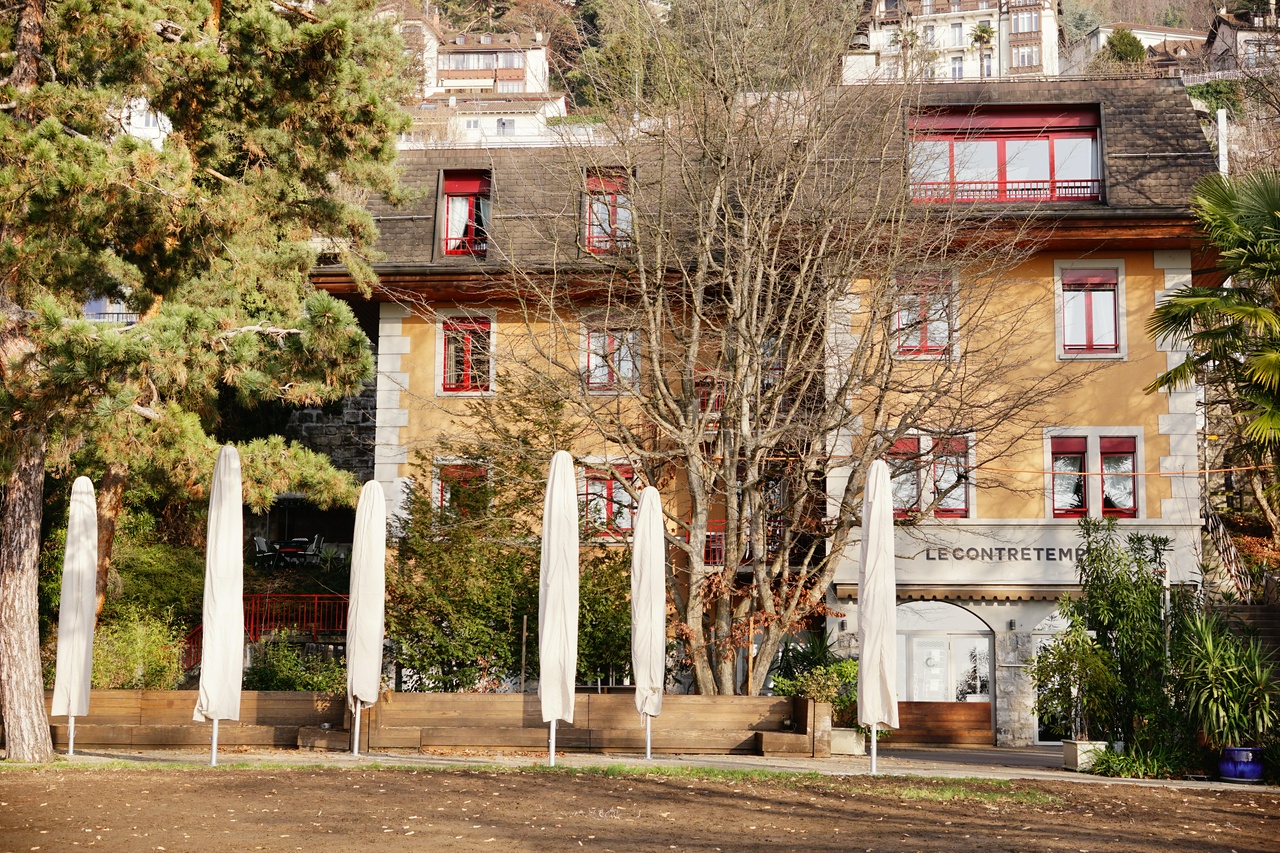 Le Contre Temps, hors-saison et dans l'attente de la saison estivale
 Le pêcheur
 L'appel du large ou la joie espérée du pêcheur
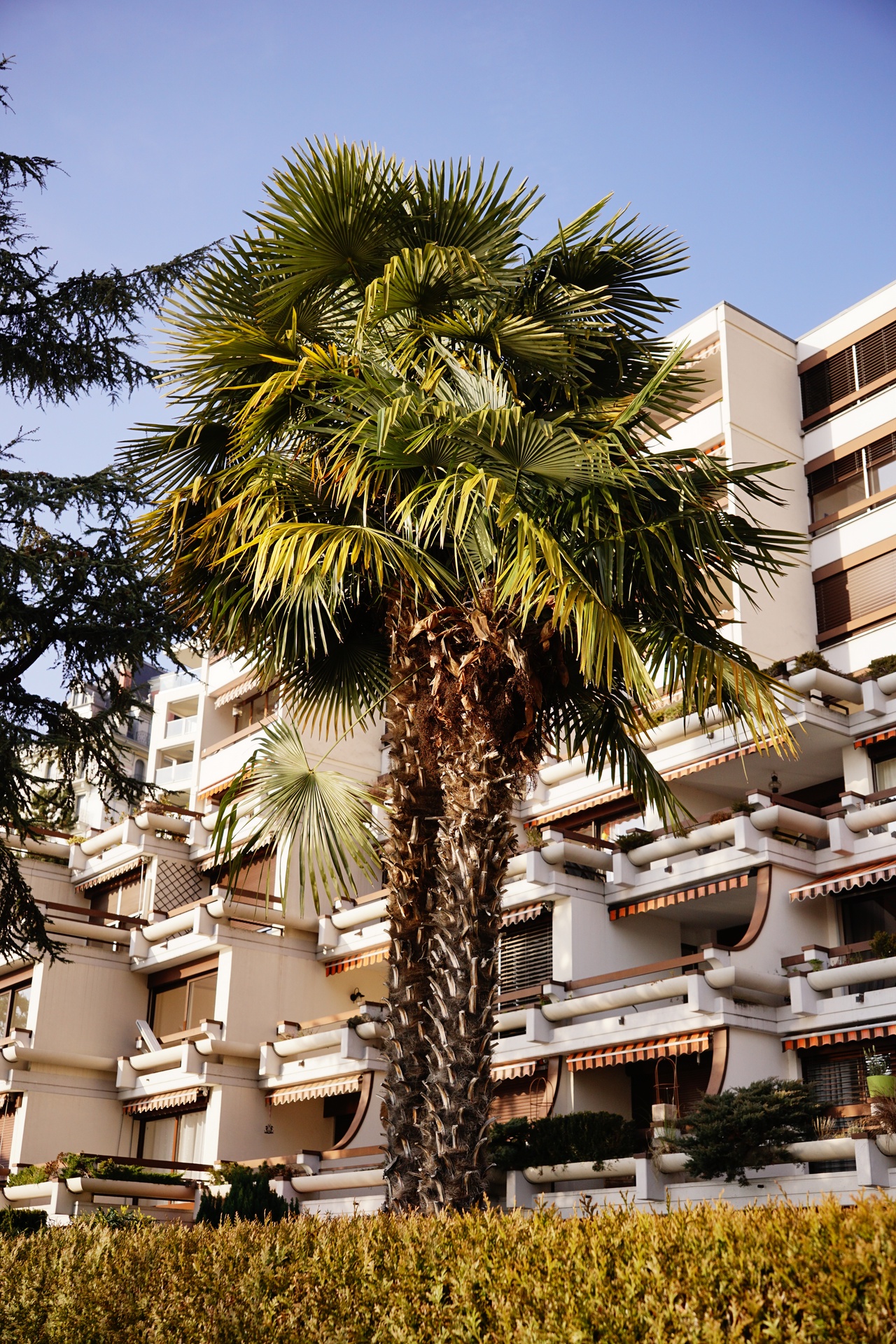 Que serait Montreux sans ses palmiers et la promesse d'un doux séjour?
 Piscator lacustrus. Labubu des Espaces
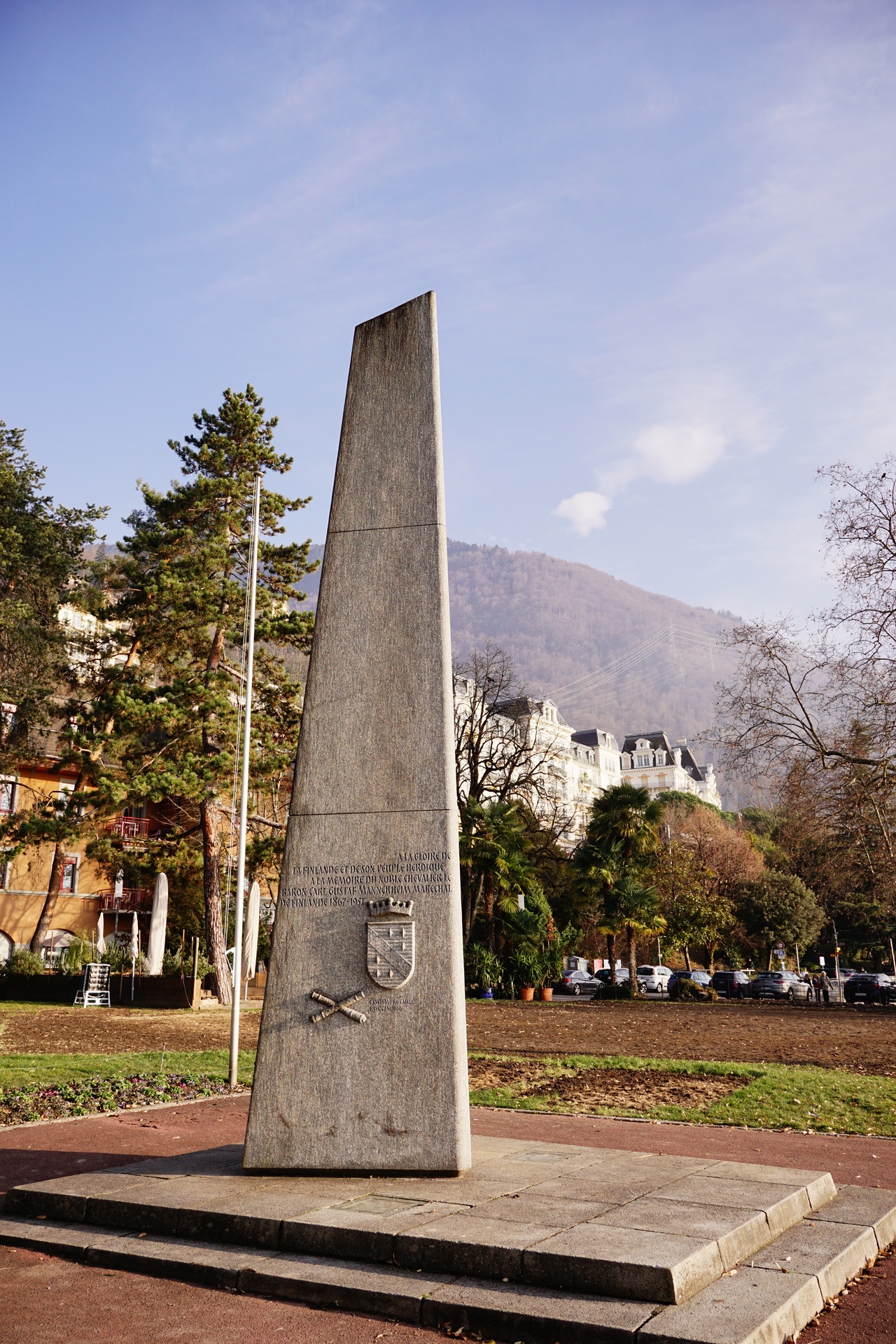 « Pour une cause pure avec une épée pure »
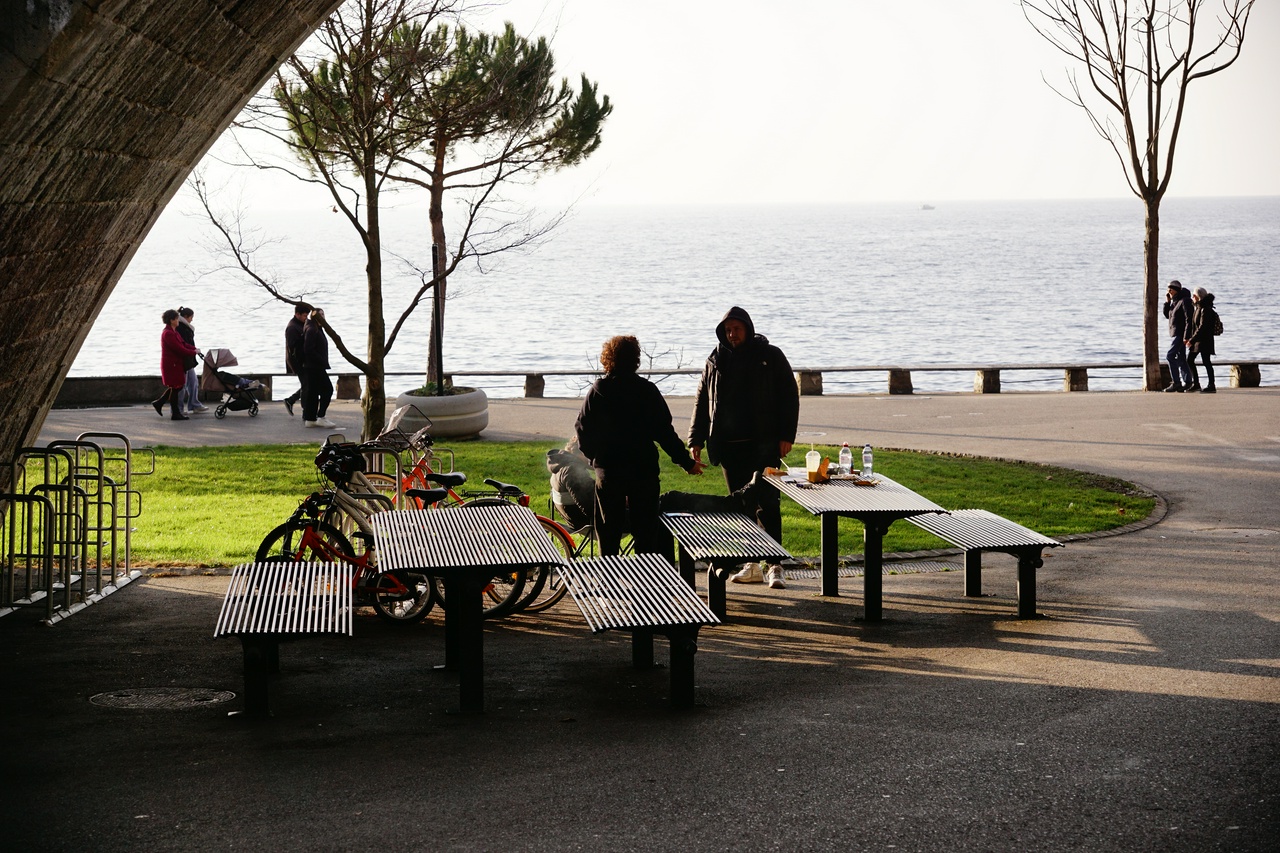 Un dernier coup d’œil sur les quais.